
 Xbox Cloud Gaming Equirements: Internet, Devices, Controllers
  How to Delete Sent Messages on iPhone From Both Sides
  Real-Time Tracking in the Distribution of Goods
  Portable Monitor For Laptop Guide
  Optimizing Sales Prospecting with Modern Software Tools
  What Is One Way That Technology Can Improve The Distribution Of Goods?
  Xbox Cloud gaming: A Practical Guide For Real Life
  Game Pass vs PlayStation Plus: which is actually worth it?
  Macfox X1S installation guide: assembly, setup, and first ride checks
The lenovo legion go 2 is the kind of handheld that makes immediate sense if you’ve ever looked at a Steam Deck and thought, “I want that… but bigger, brighter, and closer to a real PC.” And then, about ten minutes later, you might also think, “Wait, do I actually want a two‑pound Windows computer in my hands?” That little push-pull feeling is basically the whole story here.
What follows is a detailed, practical review-style guide: the screen (it’s the headline feature), how the device actually fits into daily life, what performance looks like when you stop benchmarking and start playing, and why the SteamOS vs Windows 11 decision is about more than just preference. I’ll also call out the “small stuff” reviewers mention—like sleep behavior, login quirks, and setup friction—because those are the things that quietly shape whether you love a handheld or leave it in a drawer.
Lenovo legion go 2: quick take
If you want the short version before the details: the Legion Go 2 is a premium, modular handheld gaming PC with a huge 8.8-inch OLED screen (1920 × 1200, 144Hz, VRR), detachable controllers, a built-in kickstand, and a 74Wh battery. It starts around $1,100 in the US for the base configuration (Ryzen Z2, 16GB RAM, 1TB storage) and jumps to around $1,350 for the Ryzen Z2 Extreme configuration with 32GB RAM that most reviewers treat as the “real” performance target.
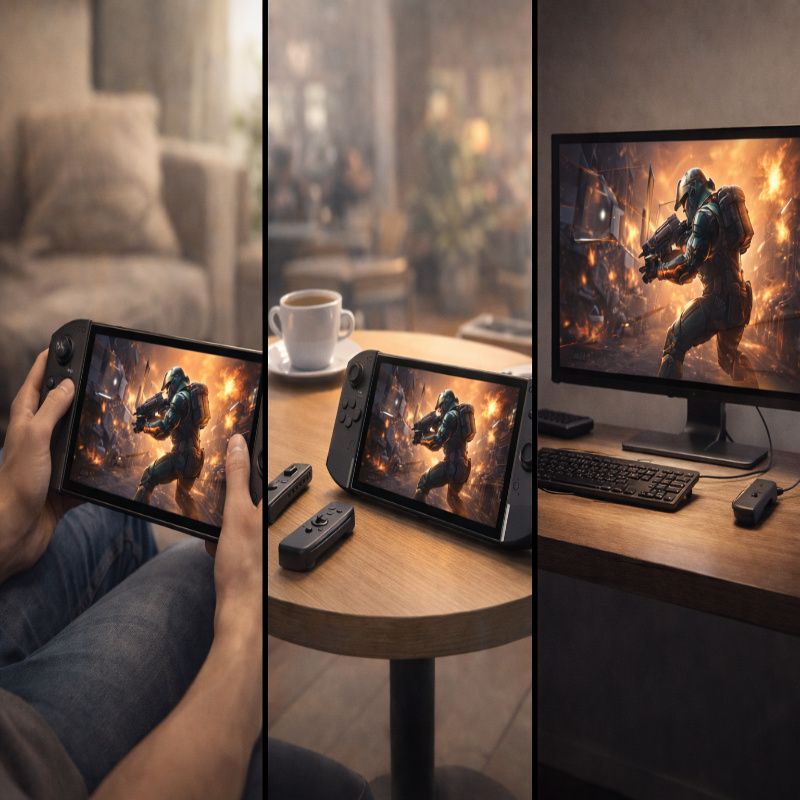
The vibe is “utility handheld,” not “simple console.” That’s a compliment and a warning at the same time. It can be handheld, tabletop, a tiny desktop with a monitor, or an awkward-but-honestly-clever FPS-mouse thing. But the price and size are very real, and you should assume you’ll be negotiating with Windows (unless you wait for the SteamOS model).
Who the Legion Go 2 is for
People buy handheld gaming PCs for different reasons, and I think this one only lands if your reasons line up with what it’s actually good at. Not what it’s “capable” of on a box. What it’s good at.
The Legion Go 2 is for you if:
- You care about display quality enough to pay for it.
- You like the idea of a handheld that can become tabletop mode in seconds (kickstand + detached controllers).
- You want a device that can behave like a small Windows PC when docked, not just a game launcher.
- You’re okay tweaking performance modes and in-game settings to hit a smooth, stable experience.
It’s probably not for you if:
- You want “effortless.” Windows handhelds can be great, but effortless is not their default personality.
- You mostly play for long, relaxed sessions in bed or on a couch and you’re sensitive to wrist fatigue.
- You’re buying primarily on value rather than “best possible handheld screen.”
If comfort is a deciding factor, it’s worth reading a dedicated ergonomics breakdown while you’re still in decision mode—something like Lenovo legion go 2 ergonomics: comfort matters.This device is large enough that comfort isn’t a footnote; it’s part of the spec sheet, even if it’s not written there.
The hardware: what matters, what doesn’t
A lot of specs are technically impressive and emotionally meaningless. “Up to 2TB,” “Wi‑Fi 6E,” “USB4,” and so on. Good to have, sure. But what actually changes your experience day to day comes down to a handful of things: the screen, the battery, the controllers (and how you use them), and the operating system.
The screen is the reason this exists
Lenovo went big here: an 8.8-inch OLED touchscreen in a 16:10 aspect ratio, running at 1920 × 1200, with a 144Hz refresh rate and VRR support. Brightness is commonly listed around 500 nits, which puts it in the “usable in a bright room” range even if it’s still a glossy panel that can reflect light in annoying ways. The larger size compared to many rivals makes games feel less cramped, and text-heavy UI (strategy games, RPG menus, Windows prompts) is simply easier to live with.
There’s a subtle point here that I think matters: 1920 × 1200 is not just a cost-saving choice. It’s a practical one. A handheld APU has a limited power budget, and 1200p is a more realistic target than higher resolutions if you want good frame rates without turning the device into a little space heater.
APU and configurations: don’t buy too low
The base model pairing—Ryzen Z2 with 16GB RAM and 1TB storage—will work, and for certain libraries it’s totally fine. But if you’re buying this class of device and you want it to feel “flagship” for a few years, the Ryzen Z2 Extreme and 32GB RAM configuration is the safer long-term pick.
Not because every game demands 32GB today. It’s more that Windows plus launchers plus background services plus modern games is a messy reality. That overhead is real. And a handheld is already living near the edge of its thermal and power budget; giving it more breathing room helps it stay smooth.
Ports and “mini desktop” potential
Lenovo includes two USB-C ports (top and bottom) with fast data and display output support, plus a microSD slot and a headphone jack. That doesn’t sound exciting until you actually try using the handheld like a tiny desktop—kickstand open, USB‑C to a monitor, maybe a keyboard—then suddenly the layout matters. A bottom port is great for tabletop play while charging; a top port can be easier in other scenarios. You’ll probably have a preference after a week.
Design and comfort: the part you can’t benchmark
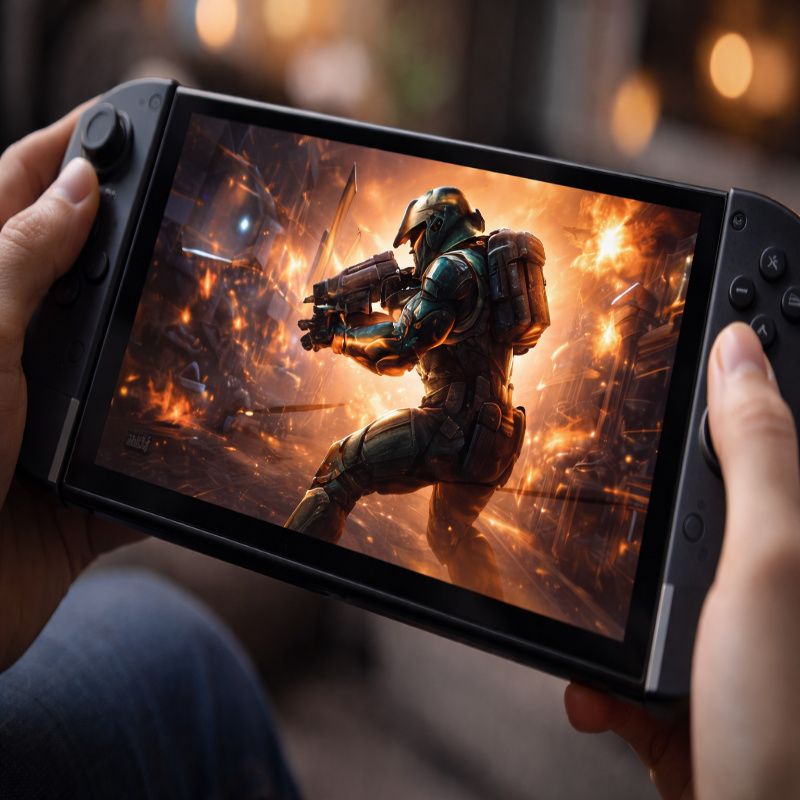
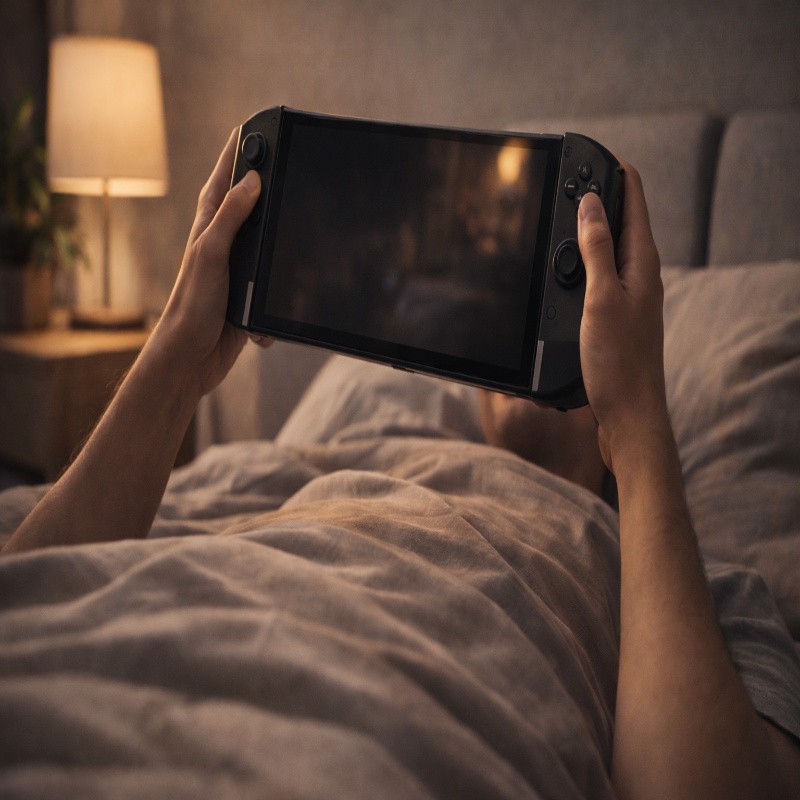
The Legion Go 2 is big. Not metaphorically big. Physically big. Reviewers regularly compare it to other handhelds and call it bulky, and the weight lands around two pounds. That’s the sort of number that sounds abstract until you’re holding it above your chest in bed and realizing gravity is, once again, undefeated.
The good news is that the “bulk” isn’t wasted. Lenovo’s whole design language here is flexibility: detachable controllers, a kickstand, a touchpad for Windows navigation, and an FPS mode that turns the right controller into a vertical mouse with a little base. The slightly awkward news is that detachable controllers on this device use latches rather than magnets, which makes removal less smooth than some people expect.
Still, the kickstand is a genuinely underrated feature. It changes how you use the device. If you’re getting wrist fatigue, you can switch to tabletop mode and only hold the controllers, which are much lighter. It’s one of those little “oh, that’s why they did that” moments.
FPS mode: clever, a bit niche
Lenovo’s FPS mode exists for one main reason: shooters feel better with a mouse. And Windows feels better with a mouse. The right controller can become a vertical mouse-like controller when paired with the included base, with extra mouse buttons and even a scroll wheel.
But, honestly, it’s not guaranteed you’ll use it constantly. Some reviewers point out the base is not dramatically smaller than a travel mouse, and if you’re already carrying accessories, you might just pack a small mouse instead. The value of FPS mode is less “this replaces a mouse forever” and more “I can do this anywhere, even when I didn’t plan ahead.”
Performance: what it feels like in real play
Here’s the thing about handheld performance discussions: they can get weirdly theoretical. People argue about wattage limits and silicon revisions, then play Stardew Valley for 200 hours. So I’ll try to keep this grounded.
In real use, the Legion Go 2 delivers high-end handheld PC performance, especially in the Ryzen Z2 Extreme configuration. In testing that compares it to close rivals using similar silicon, it can come in slightly behind a more aggressively optimized Windows setup, even when both devices share the same Z2 Extreme family chip. That gap isn’t always huge, but it’s noticeable enough that settings choices matter—especially if you insist on running at native resolution in heavier games.
Handheld settings that usually make sense
Most people end up with a “good enough” profile that looks something like this:
- 1920 × 1200 (or slightly lower with scaling) depending on the game.
- Medium settings for modern AAA titles; higher for older games and indies.
- FSR or similar upscaling when you want smoother performance without the battery hit.
- A frame cap that matches your comfort (40, 45, or 60) rather than chasing 144Hz in heavy games.
The Legion Go 2 can absolutely hit high refresh rates in lighter games. But for demanding titles, the practical goal is stable frame pacing and reasonable thermals. That’s the experience you feel, not the peak FPS you screenshot once.
If you want the “real-life presets” version of this, the sort of guide you bookmark and actually use, take a look at
Lenovo legion go 2 battery life: realistic settings.Performance and battery are linked at the hip on handhelds, and it’s easier to optimize both when you plan them together.
Battery life: improved, but still a handheld PC
Lenovo upgraded the battery to 74Wh, and it shows. There’s a meaningful jump compared to the previous generation, and it helps the Legion Go 2 feel more “take it with you” than “stay near a charger.”
Still, expectations matter. In demanding games at high brightness and higher performance settings, around two to three hours is a realistic ballpark. That’s not a failure; it’s just the nature of running modern PC games on a portable device with a big OLED panel. For longer trips, you’ll want to keep the included 65W charger close, or use a properly specced USB‑C PD power bank that can actually keep up.
A small warning about sleep mode
One of the most “real-world” complaints from reviewers is not about frame rates—it’s about sleep behavior. A sensitive fingerprint reader/power button can lead to situations where you think the handheld is sleeping, but it wakes back up, which is not what you want inside a case. This is the kind of annoyance that doesn’t show up in spec lists, but it absolutely affects trust in the device.
The workaround is mostly habit: double-check the screen is truly off, consider hibernation for travel, and be careful about tossing it into a bag immediately after pressing power. It sounds fussy because it is a little fussy. But this is also the price of living with a Windows handheld today.
SteamOS vs Windows 11: the decision that changes everything
If you’re trying to decide whether the Legion Go 2 is “worth it,” you can’t ignore the OS angle. Lenovo revealed an official SteamOS version coming after the Windows model, with a stated release window in June 2026. The interesting twist is that the SteamOS model is expected to start higher in price than the Windows version, which feels backwards at first glance.
So yes, it’s tempting to say: “Just buy the Windows one now.” But it’s not that simple. The OS choice changes the whole feel of the device.
Why SteamOS can feel better
SteamOS is lighter, more console-like, and generally better optimized for controller-first navigation. It can also be more efficient than Windows 11 in handheld use because it has less background bloat. That efficiency can translate into smoother feel, better battery life, or at least less annoyance when you’re doing basic handheld things like waking the device, browsing your library, and launching a game.
The downside is that SteamOS is still not universal compatibility. Proton keeps improving, but some games simply run better on Windows, and anti-cheat-heavy competitive titles are often safer on Windows. SteamOS also may not support every hardware feature the same way—Windows, for example, can better take advantage of a fingerprint reader for quick login.
If you want the full “which OS should I choose” breakdown—especially if you use non-Steam launchers or play games with strict anti-cheat—read Legion Go 2 SteamOS vs Windows 11: choose wisely.It’s the one comparison that tends to save people from buyer’s remorse.
Why Windows 11 is still the safest choice for many people
Windows 11 is clunkier on a handheld, but it is also the “everything runs here” option. If you bounce between multiple stores, use Game Pass on PC, mod games, run odd utilities, or just don’t want to think about compatibility layers, Windows is the straightforward path.
The irony is that Windows is both the reason handheld PCs are powerful and the reason they can be exhausting. You get freedom, but you also get responsibility. Updates, driver panels, launcher updates, and occasional UI nonsense are part of the deal.
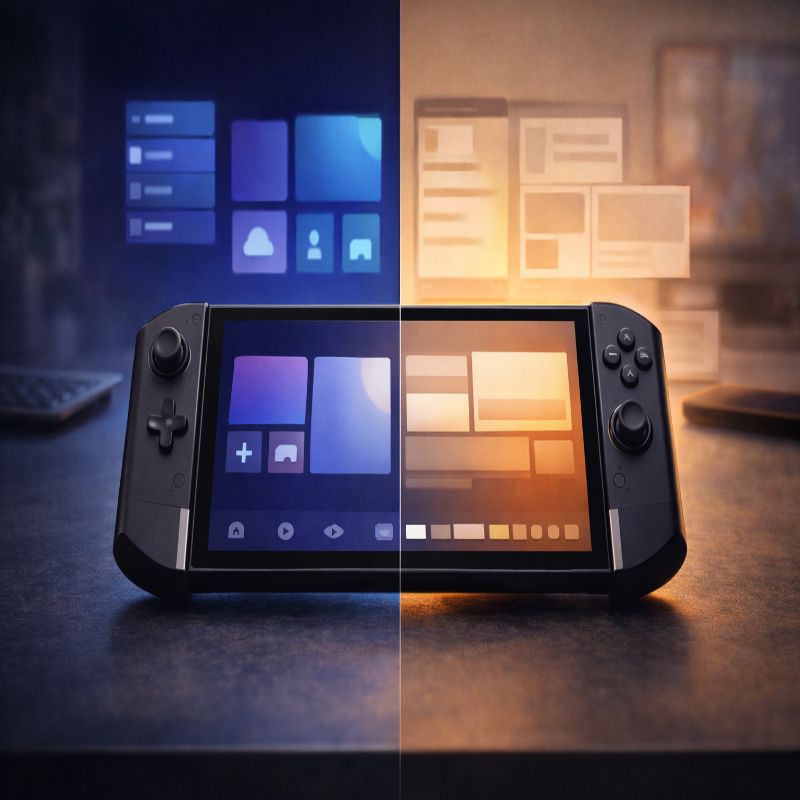
How the Legion Go 2 fits into real life
This is where I think people make the wrong decision. They picture one “ideal” scenario—usually couch gaming—and assume that’s the full story.
Travel
For travel, the Legion Go 2 is excellent if you commit to reasonable settings and accept that the device is large. The kickstand can be a lifesaver on a tray table, and the big OLED makes long sessions feel more comfortable because you’re not squinting at tiny UI. But it’s not a pocketable device, and it’s not the handheld you casually bring “just in case.” You pack it because you intend to use it.
Couch and bed
On a couch, it’s great. In bed, it depends. The weight makes fully handheld play less comfortable over time, and that’s when tabletop mode becomes your best friend. I think some buyers underestimate how often they’ll switch modes, and then they’re surprised when they end up playing with the kickstand open more than they expected.
Desk and docked use
At a desk, the Legion Go 2 makes a lot of sense. You can treat it like a small PC: plug it into a monitor, connect peripherals, and suddenly the “utility” pitch feels real instead of promotional. If that’s part of your plan, the device becomes easier to justify, because it’s not only replacing a handheld—it’s also standing in for a portion of your laptop/desktop time.
Buying advice: how to avoid regrets
A few practical suggestions, the kind you’d tell a friend who’s about to spend a lot of money:
- Decide your OS first. If you know you need Windows compatibility, don’t let the SteamOS hype distract you.
- Be honest about comfort. If you get wrist fatigue easily, plan on tabletop play or consider a smaller handheld.
- Don’t under-buy RAM/storage. For a premium Windows handheld, 32GB RAM and 1TB+ storage is the comfortable zone.
- Plan your charging. A 65W-class charger and a proper cable matter more than you think.
And yes, maybe this is a mild contradiction: it’s an expensive handheld that I can absolutely imagine loving… but it’s also an expensive handheld I can imagine people bouncing off after the honeymoon week. That’s usually a sign you should buy it for the right reasons—screen, versatility, “portable PC” mindset—not because it’s the newest thing.
Conclusion: is it worth it?
The lenovo legion go 2 is worth it for a specific kind of buyer: someone who wants a flagship handheld PC with a best-in-class OLED display, a big battery, and the flexibility to play handheld, tabletop, and docked without feeling boxed in. If you want a simpler, more console-like experience, it might be smarter to wait for the SteamOS version—or choose a smaller handheld that’s easier to live with every day.
Either way, don’t rush it. Read the OS comparison, think about where you’ll actually play, and be honest about how much you enjoy tinkering. In handheld PCs, that mindset is as important as the specs