
 Xbox Cloud Gaming Equirements: Internet, Devices, Controllers
  How to Delete Sent Messages on iPhone From Both Sides
  Real-Time Tracking in the Distribution of Goods
  Portable Monitor For Laptop Guide
  Optimizing Sales Prospecting with Modern Software Tools
  What Is One Way That Technology Can Improve The Distribution Of Goods?
  Xbox Cloud gaming: A Practical Guide For Real Life
  Game Pass vs PlayStation Plus: which is actually worth it?
  Macfox X1S installation guide: assembly, setup, and first ride checks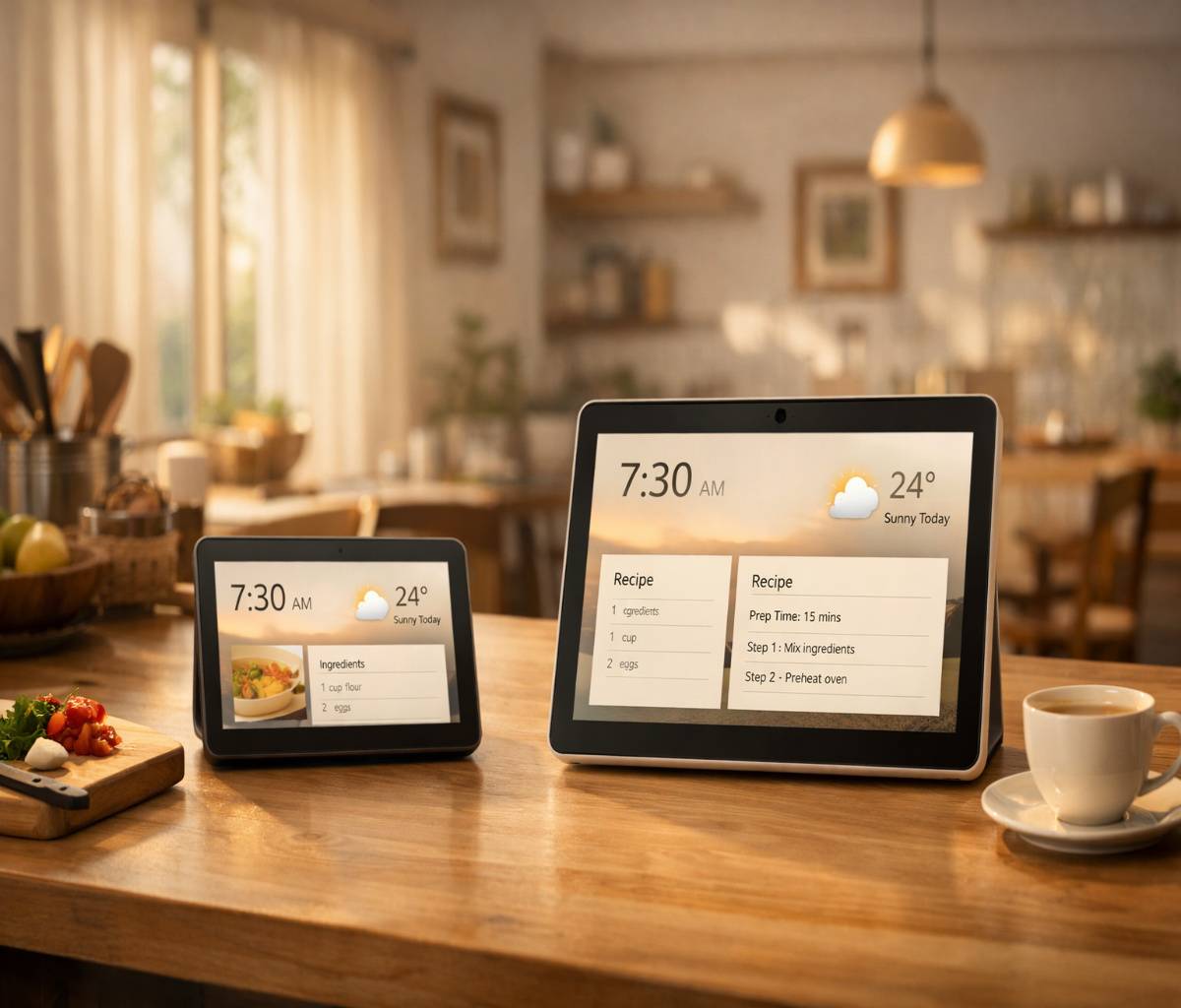
Choosing between the Echo Show 8 and Echo Show 11 sounds like a simple “bigger is better” decision. Then you start picturing where it will live. Kitchen counter? Entry table? Bedroom? And you realize size is only part of it.
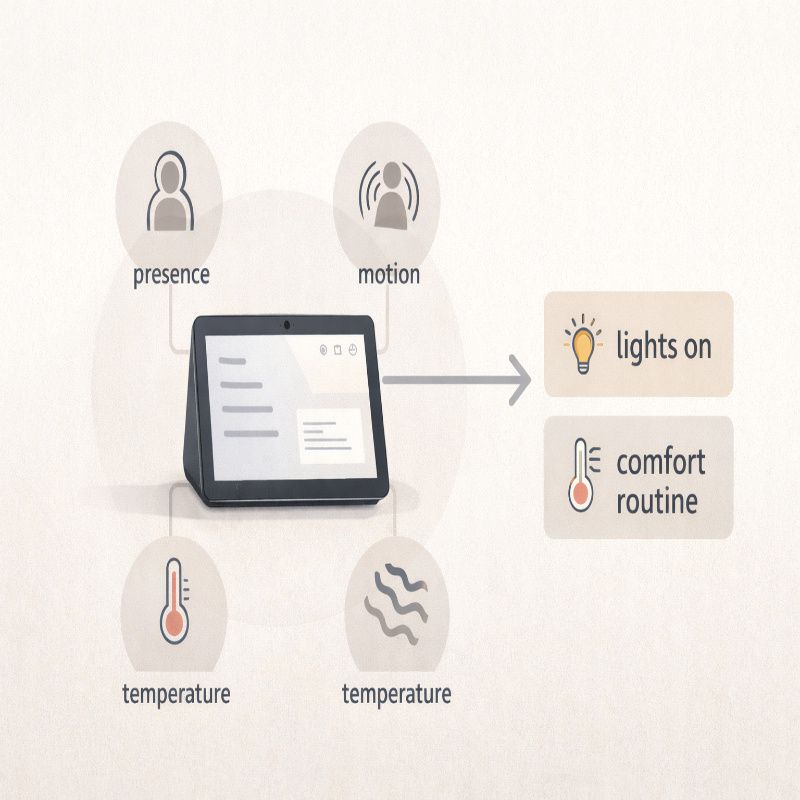
Both devices are built around the same core idea: Alexa with a screen that’s meant to stay put and become part of your routine. In India, Amazon positions both as sleek, sensor-driven smart displays built on Omnisense, with routines based on presence, motion, and temperature detection. They’re also sold through the same channels, which makes the comparison even more about fit than availability.
This article is meant to help you pick the one you’ll actually enjoy living with. If you want the broader “how it feels day-to-day” perspective first, I’d start with the guide: echo show 8.
Quick answer: the simple way to choose
If you want the fastest decision rule, here it is:
- Choose Echo Show 8 if you want something easy to place, easier to ignore when you’re busy, and still genuinely useful for routines, calls, and smart home control.
- Choose Echo Show 11 if you want a bigger “glanceable” screen from farther away (recipes, widgets, camera feeds) and you know you’ll use the display more than just occasionally.
Now, the more realistic version: you can buy either and be happy, but you’ll be happier with the one that matches your space and your habits.
Price in India and where to buy
In India, Echo Show 11 is priced at ₹26,999 and Echo Show 8 is priced at ₹23,999. Both are available in Graphite and Glacier White, and Amazon lists them for purchase on Amazon.in, Flipkart, and offline stores of Reliance Digital and Croma.
That price gap is not massive, which is why people get stuck. It’s close enough that you start thinking, “Should I just get the larger one?” Sometimes yes. Sometimes that extra screen becomes an extra thing you have to make room for.
Screen size: what you gain (and what you give up)
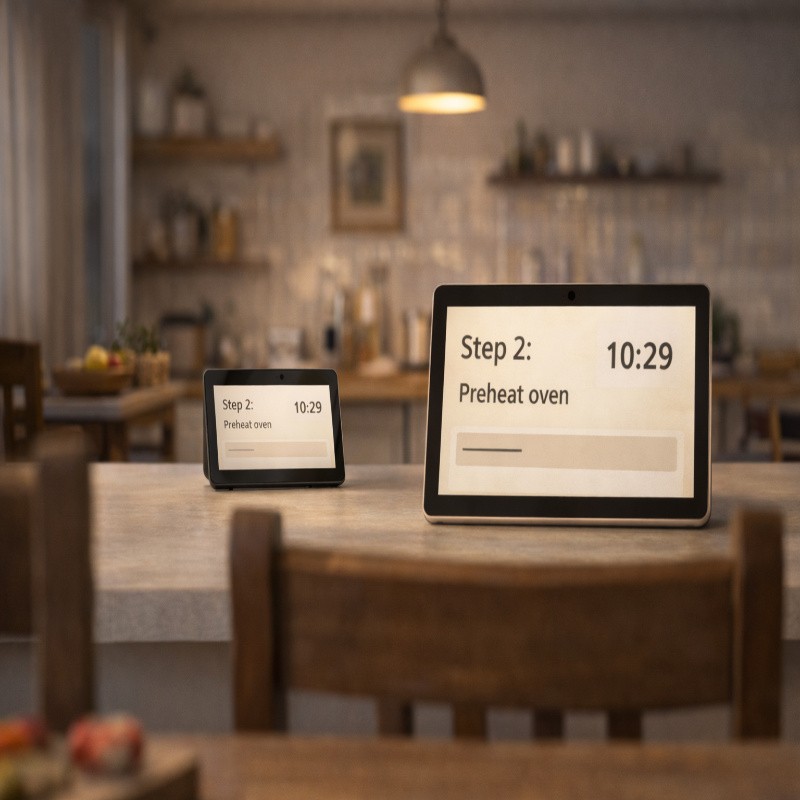
Amazon describes Echo Show 11 as having an 11-inch full HD screen, and Echo Show 8 as having an 8.7-inch HD display, both with edge-to-edge glass and thin bezels. In practice, the bigger display mainly helps when you’re viewing from farther away: across a kitchen, from a dining table, or while moving around the room.
The Echo Show 8 is more “appliance-like.” It can sit on a counter without dominating the vibe. The Echo Show 11 is more “centerpiece-like.” That can be a good thing if you want a household dashboard, but it can also feel like you’ve added one more screen to your life.
If you’re still unsure, it helps to think about what you want the device to do when nobody is actively using it. If the idea is “blend into the background,” the smaller model often wins. If the idea is “be the household display,” the larger model starts to make sense.
Omnisense and routines: the real upgrade story
One reason these newer Echo Show models are interesting is that they lean into Omnisense: routines that can respond to presence, motion, and temperature detection. Amazon even gives simple examples, like turning on compatible smart lights when someone enters a room, or triggering a routine when the room reaches a certain temperature.
This is where people either fall in love with a smart display or decide it’s not for them. If you like the idea of the home reacting automatically (gently, not aggressively), Omnisense is the feature set to explore.
If you want hands-on ideas you can copy and tweak, you’ll probably enjoy the companion post Echo Show 8 routines. Even if you end up buying the 11, the routine logic and setup mindset is basically the same.
Smart home control: hub support and daily convenience
Amazon positions both devices as smart home “home assistants,” and in India’s launch coverage they’re framed as devices you can use to control compatible smart home devices with touch or voice. The bigger question is what you want that control to look like.
- If you mainly want voice control and occasional taps (lights on, fan on, quick timer), either model is fine.
- If you want a more visual control center—widgets, camera thumbnails, quick toggles—the larger display tends to feel calmer because there’s more space.
There’s also a practical reality here: the more you add to your smart home, the more you’ll appreciate having a screen that makes things obvious. But if your setup is light (a few bulbs and plugs), the Echo Show 8 is usually enough.
Kitchen vs living room vs bedroom: where each one fits
This is the section most comparison articles skip, and it’s the one that matters most. People don’t live in spec sheets.
Kitchen
In a kitchen, both are great. Echo Show 11 shines if you often glance from a distance while moving around—cooking is basically controlled chaos. Echo Show 8 is easier to place, especially in smaller kitchens, and still gives you the useful stuff: timers, recipes, and quick entertainment.
Living room
In a living room, Echo Show 11 feels more natural if it’s going to sit on a sideboard and actually be looked at. Echo Show 8 can feel a bit like a “secondary” device there—which may be exactly what you want. Neither is a TV replacement, but both can stream from Prime Video and Netflix, and can play YouTube through a browser experience.
Bedroom
Bedroom placement is personal. Some people love waking up to a gentle routine and a quick glance at the day. Others don’t want another screen where they sleep. The smaller Echo Show 8 is usually the safer bet here because it’s easier to make it feel subtle.
If the camera aspect makes you hesitate, you’re not alone, and it’s worth reading Echo Show 8 privacy settings before you decide. Sometimes the right choice isn’t “which model,” it’s “what settings will make me comfortable using it daily.”
Video calls, camera, and the “do I want this in my home?” question
Amazon states both devices include a centered 13-megapixel camera with auto-framing and noise reduction for clearer video calls. That’s a big part of why people keep these devices long-term: it lowers the friction of checking in with family.
But yes, it raises the privacy question too. Amazon highlights that these devices include multiple layers of privacy controls, including a microphone on/off button, in-app and on-device camera controls, and the ability to view and delete voice recordings in the Alexa app.
If you’re comparing the two models mainly because you want video calls, choose based on your likely camera distance. If the device will sit farther away (say, at the end of a kitchen counter), a larger screen helps. If it’s going to be closer (bedside table, desk corner), the Echo Show 8 is usually plenty.
Entertainment: what “hands-free” actually feels like
Amazon’s India launch messaging leans on hands-free entertainment: using the touch screen or asking Alexa to play shows, movies, workout videos, and recipe videos. The experience can be genuinely convenient, especially when your hands are full or you’re mid-task.
That said, your tolerance for on-screen suggestions matters. If you want a device that fades into the background, you’ll probably spend a little time curating what it shows when idle (photo album, fewer cards, fewer prompts). The larger display can be more “in your face” simply because it’s larger, even if it looks nicer.
Drop In and live camera feeds: underrated, but only if you’ll use them
Amazon specifically calls out that you can pair compatible security cameras and video doorbells and view up to four live camera feeds on the screen. It also mentions using the “Drop In” feature to check in on family or pets.
Here’s my slightly biased take: this is one of the most practical smart display features, and also one of the easiest to ignore if you don’t set it up in the first month. If you already have cameras or a doorbell camera, Echo Show 11 becomes more tempting because the extra screen space makes multi-feed viewing more comfortable. If you don’t, it shouldn’t be the deciding factor.
So… which one should you buy?
If you want the model that fits the most homes with the least fuss, the Echo Show 8 is the safer purchase. It’s easier to place, easier to live with, and it still gets the big upgrades Amazon is emphasizing in this generation: Omnisense routines, a modern design, and a better overall “daily helper” feel.
If you know you’ll use the screen as a screen—recipes from across the room, widgets you’ll actually read, camera feeds you’ll check—Echo Show 11 earns its keep. It’s not “better,” exactly. It’s just more visible, more central, and sometimes that’s the point.
Either way, I’d keep the next step practical: read the main guide on echo show 8 so you’re not buying it as a gadget, but as a routine. And if you want the device to feel helpful instead of intrusive, start with a few gentle automations from Echo Show 8 routines and lock down comfort settings via Echo Show 8 privacy settings.